Results with your lab’s own range Pro
Enter TSH, FT4, FT3 or antibodies together with the range from your printout. Thyrivo doesn’t judge anything. It shows your results over time and marks when your dose changed.
Thyrivo reminds you to take your thyroid medication and counts down to breakfast and coffee on your Lock Screen. Plus a wellbeing journal, your lab results and lessons in plain language.
For iPhone with iOS 17 or later. No account. The essentials are free.
6:30
 Thyrivonow
Euthyrox 75 µg
Time for your tablet. Take it with a glass of water.
Euthyrox taken at 6:30Tap “Taken” to see the countdown.
Levothyroxine works best when you take it the same way every day. Thyrivo keeps that routine for you.
6:30 AM
The reminder arrives at the same time every day. Mark the dose straight from the notification, from a widget or by asking Siri.
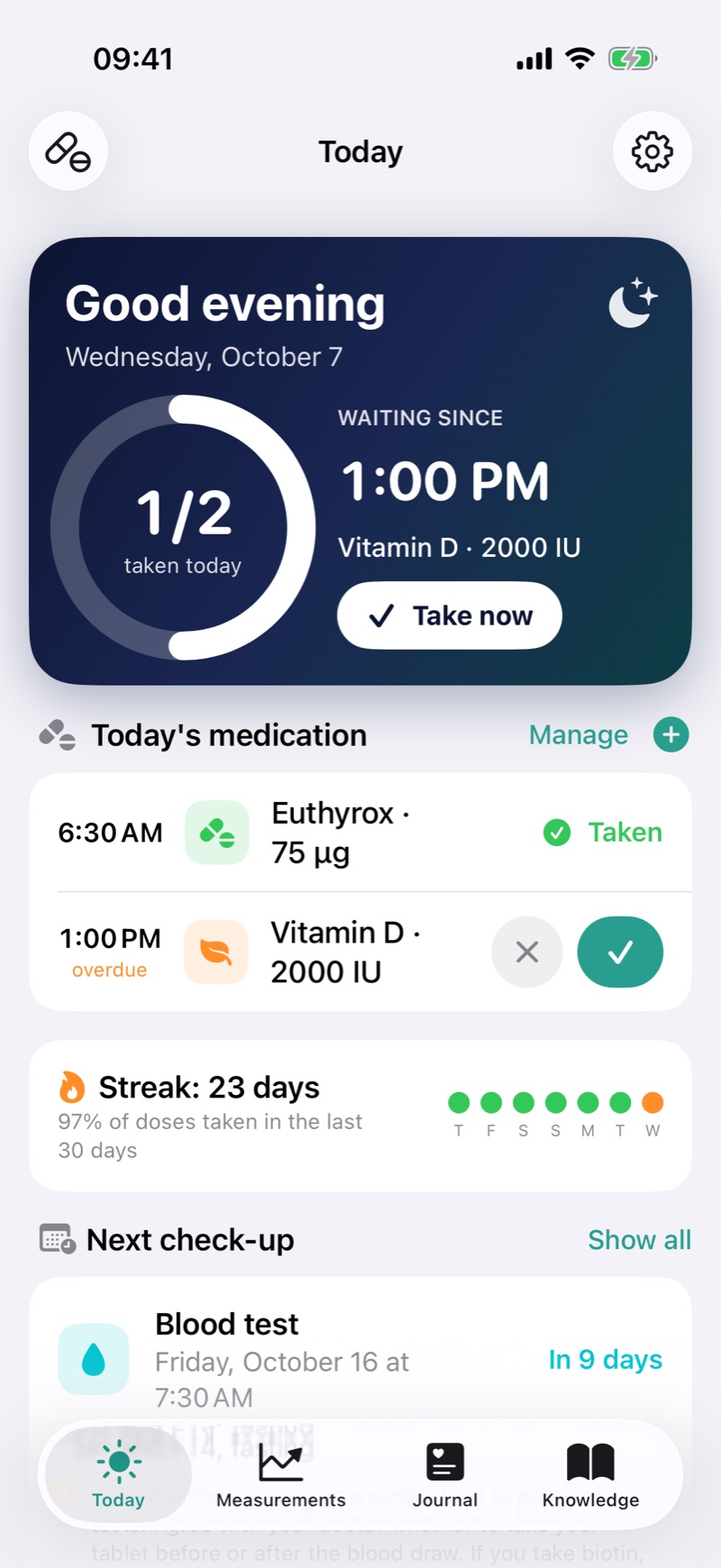
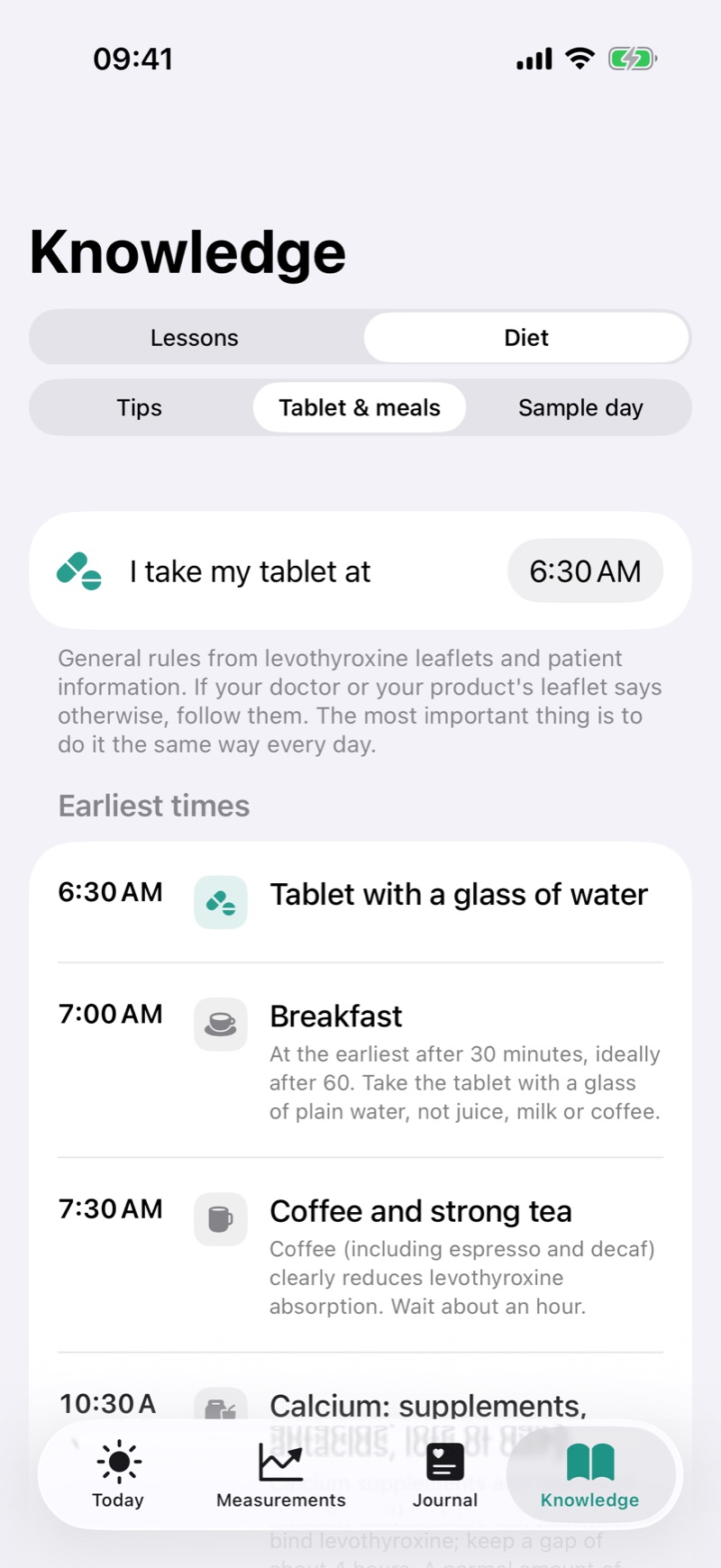
6:31 AM
General levothyroxine leaflet guidance as a morning plan: breakfast after 30–60 minutes, coffee after an hour, calcium and iron after four.
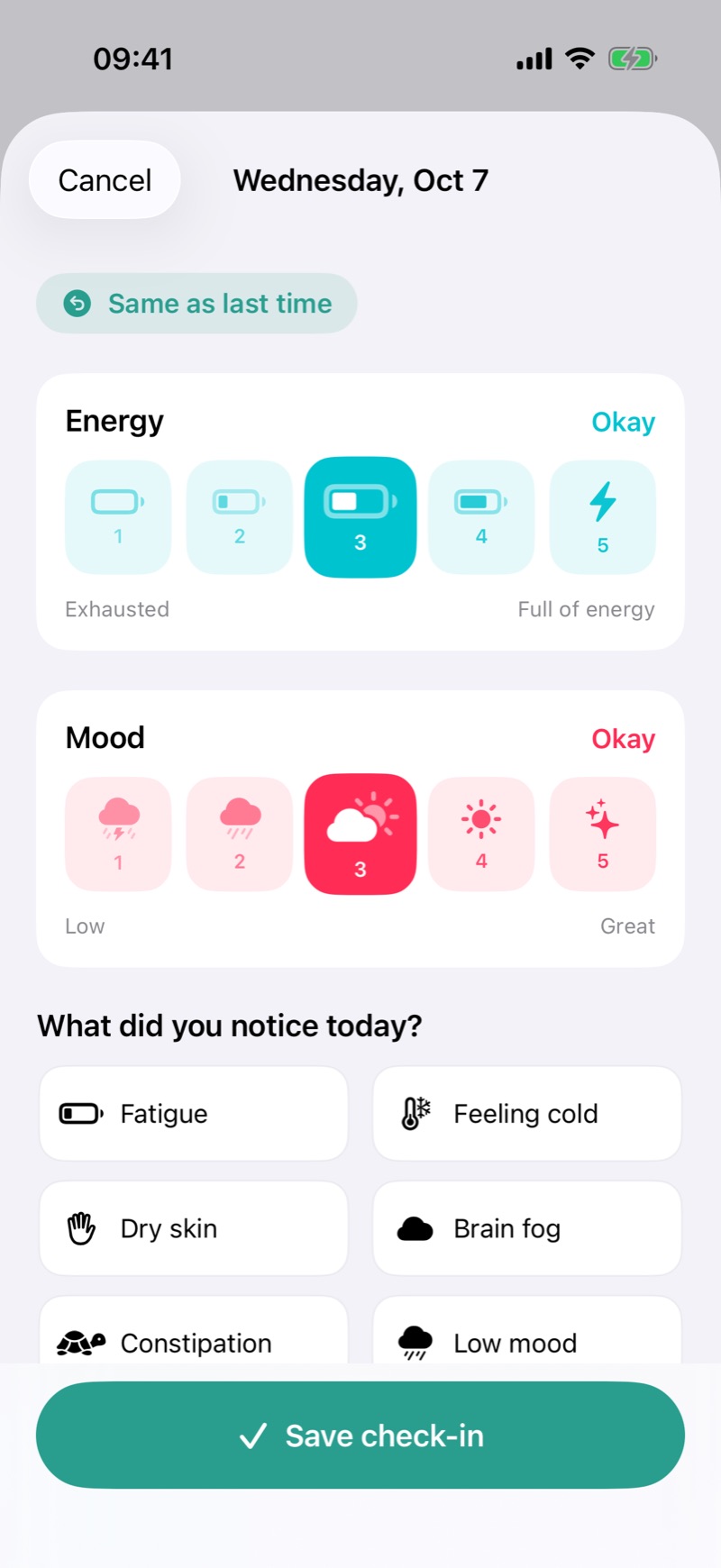
9:00 PM
Energy, mood and symptoms in a few taps. The symptoms you note most often move to the top on their own.
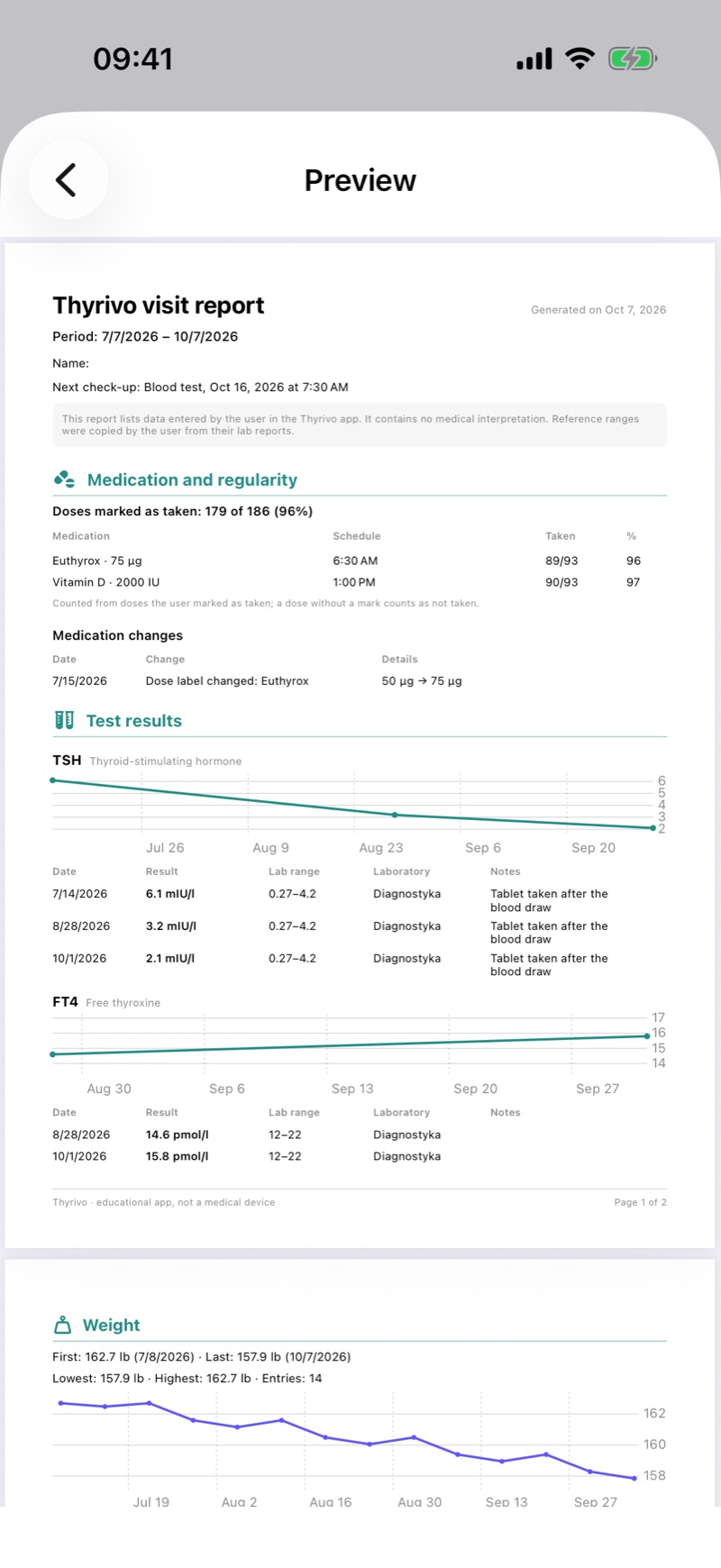
Before your visit
Results, regularity, weight and wellbeing in one PDF. Nothing to reconstruct from memory.
Real app screens with sample data.
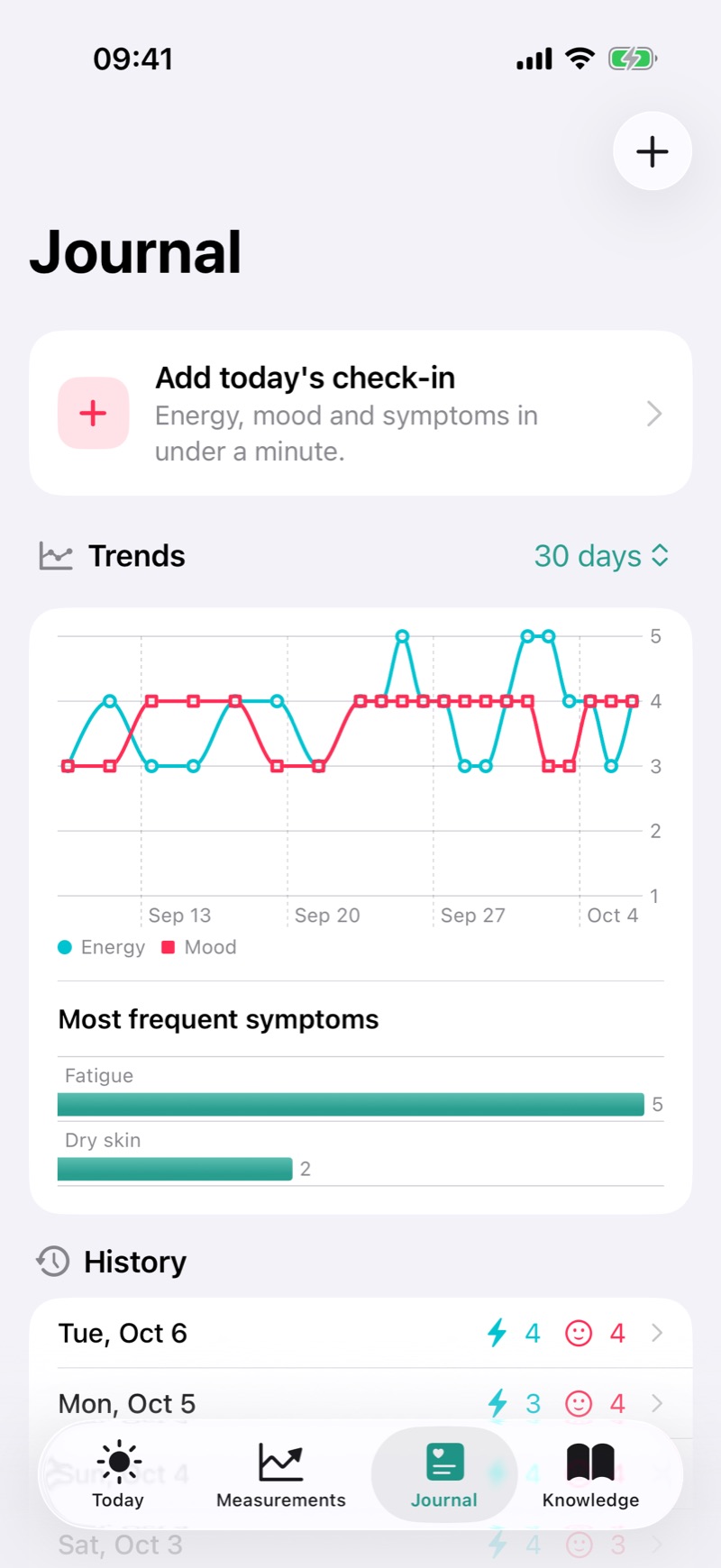
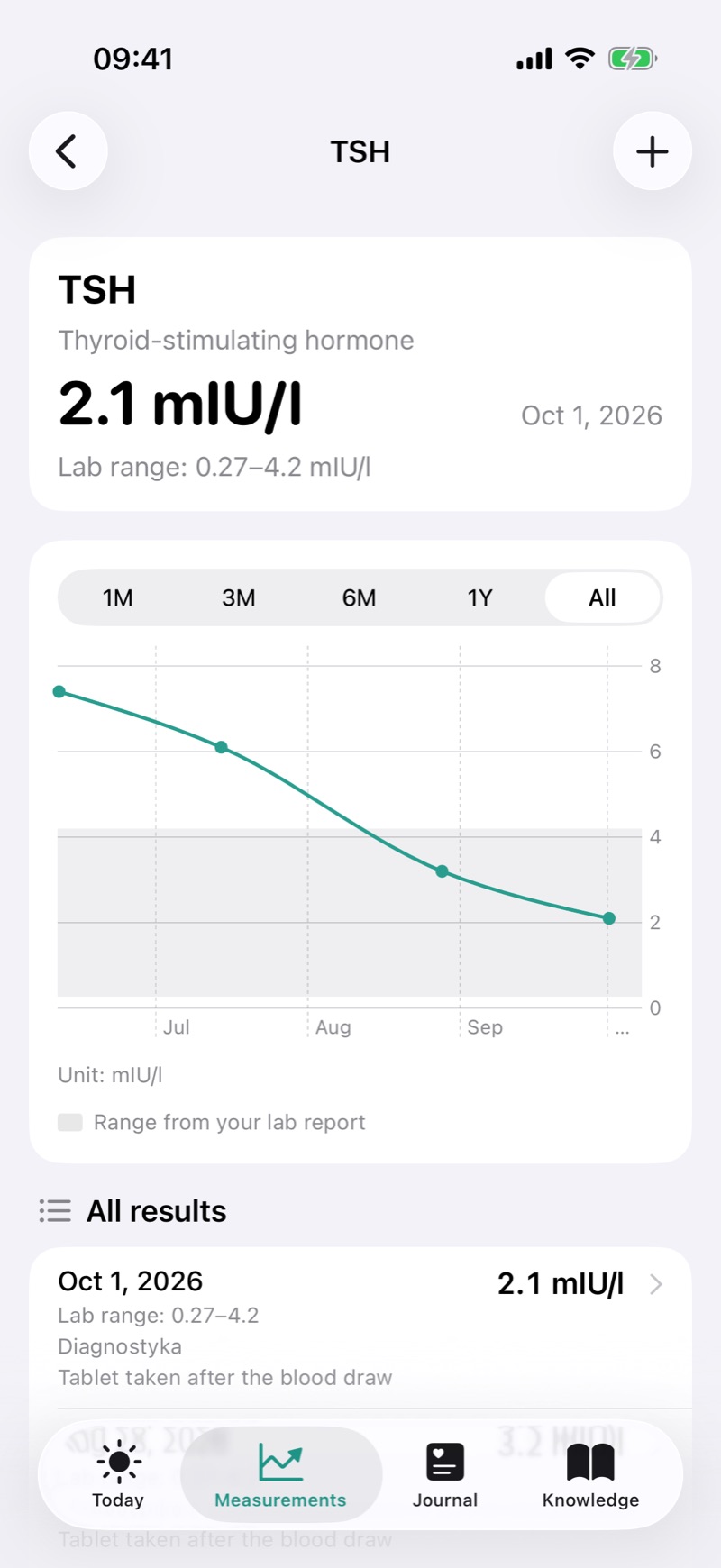
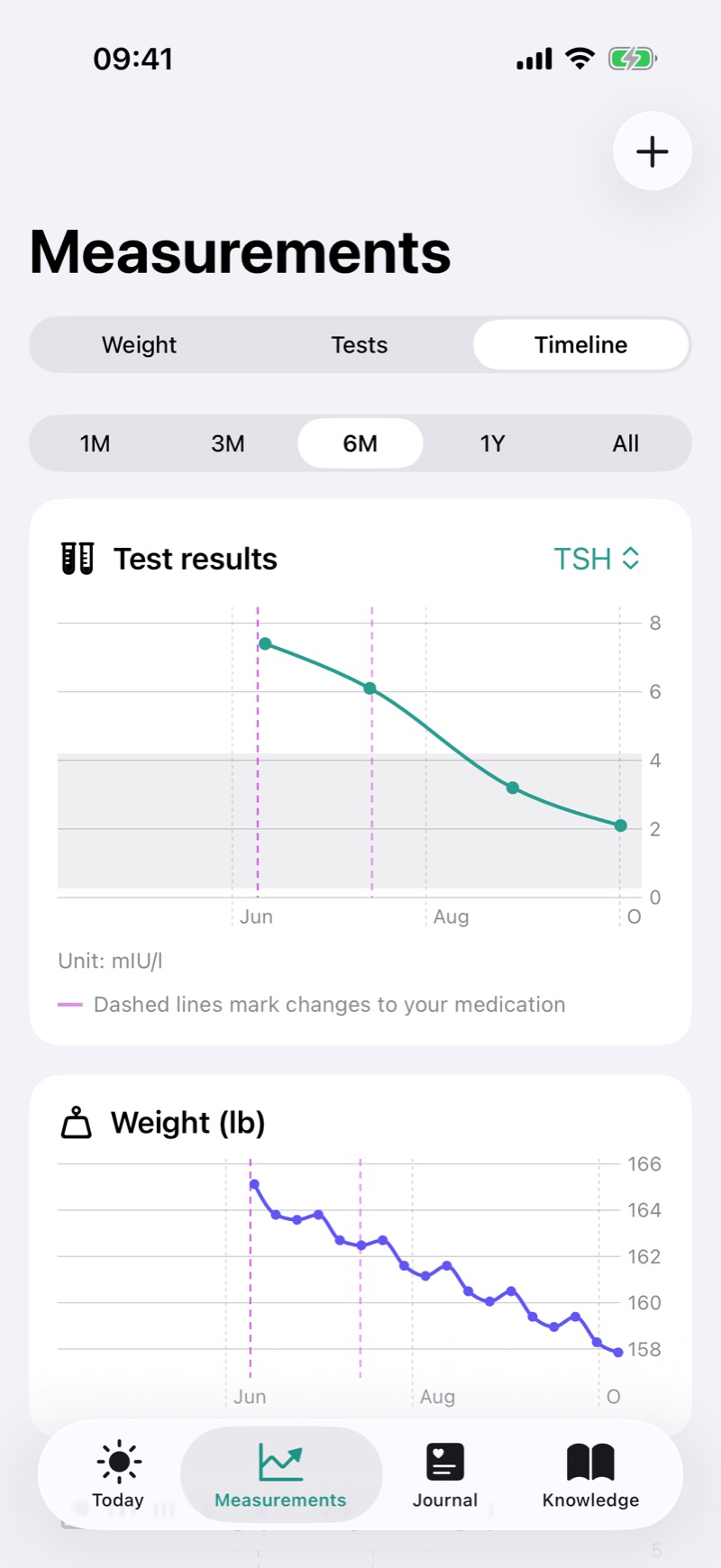
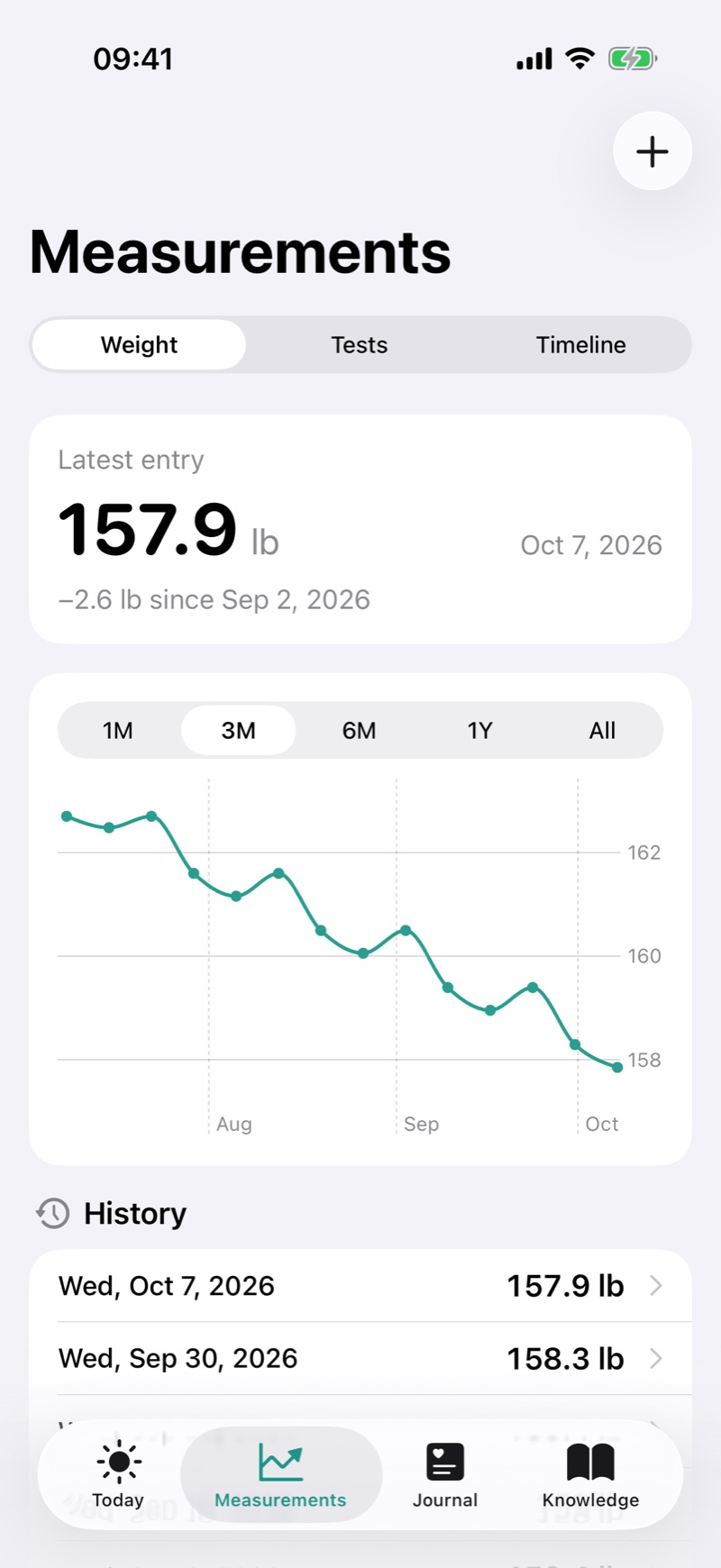
Enter TSH, FT4, FT3 or antibodies together with the range from your printout. Thyrivo doesn’t judge anything. It shows your results over time and marks when your dose changed.
One tap for energy, one for mood. Try it:
How’s your energy today?
Okay
Mark a dose from your Home Screen, your Lock Screen or with your voice.
A reminder the day before your blood test, with general tips on how to prepare.
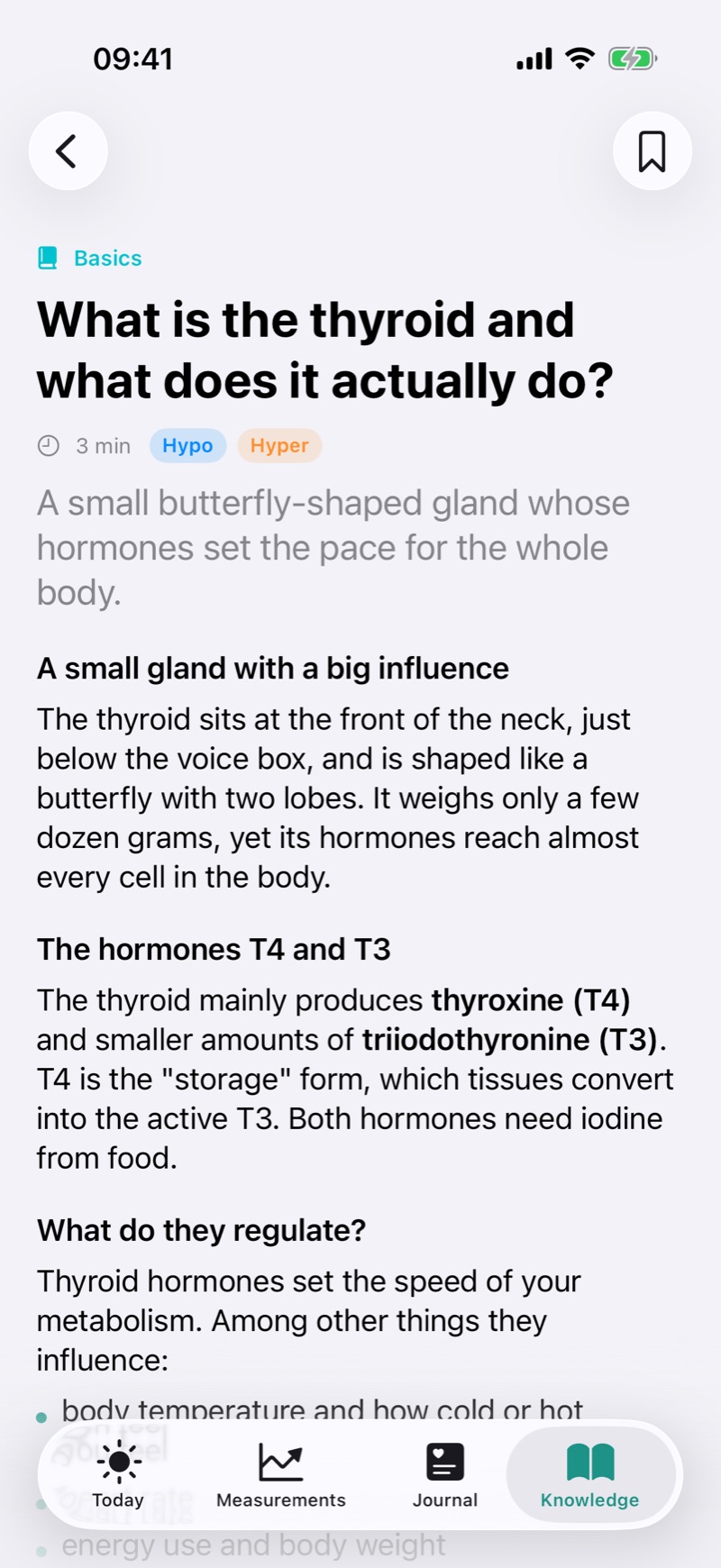
17 lessons and 19 nutrition tips on Hashimoto’s, Graves’ disease, medication, tests and myths.
No email, no password. The app works from the first launch.
Your data is saved on your iPhone. No analytics, no ads, no trackers.
Save a backup file yourself, for example to iCloud Drive, and restore it on a new phone.
Thyrivo is not a medical device. It does not interpret results, suggest doses or assess symptoms. It helps you build a habit and prepare for conversations with your doctor. Medical disclaimer
Thyrivo Pro adds tools for following your treatment over time.
PLN 0
PLN 99.99 per year
That’s PLN 8.33 a month. The first 7 days are free. Or PLN 19.99 a month.
Subscriptions renew automatically unless cancelled at least 24 hours before the end of the current period. The free trial applies to the yearly plan for new subscribers. Payments are handled by Apple. Prices shown are for Poland; elsewhere the price shown in the App Store applies.
No. It is an educational app that helps you build a habit. Your doctor always makes decisions about treatment and doses.
No. The app works without registration or login.
On your iPhone. You create backups yourself as a file and save it wherever you like, for example in iCloud Drive.
In Settings choose "Save a backup", save the file to iCloud Drive, then use "Restore from a backup" on the new iPhone.
Medication reminders, the tablet countdown, widgets, Siri, check-up reminders, the journal, key lessons and backups.
In iPhone Settings: your name › Subscriptions › Thyrivo Pro. Your data stays as it is.
Add your medication in a minute and let Thyrivo remind you of the rest.